
Anna K.
New version Don't bury your talent
Don't bury your talent
in chat threads
Manage your clients with no admin and no commission on bookings.
$0 to start
5 min setup
2 h time saved daily
Everything a pro needs
Six tools that replace the notebook, messenger, and a paper schedule.
-
Manage schedule
Client bookings, breaks, and days off in one view
-
Online booking
Clients book themselves via your personal link
-
Send reminders
Push notifications in the app, messengers, and SMS
-
Collect payments
Prepayment via YooKassa or on the spot
-
See analytics
Revenue, average ticket, daily load
-
Client base
Visit history, notes, quick re-booking
What it looks like
Not mockups — real screens from the app
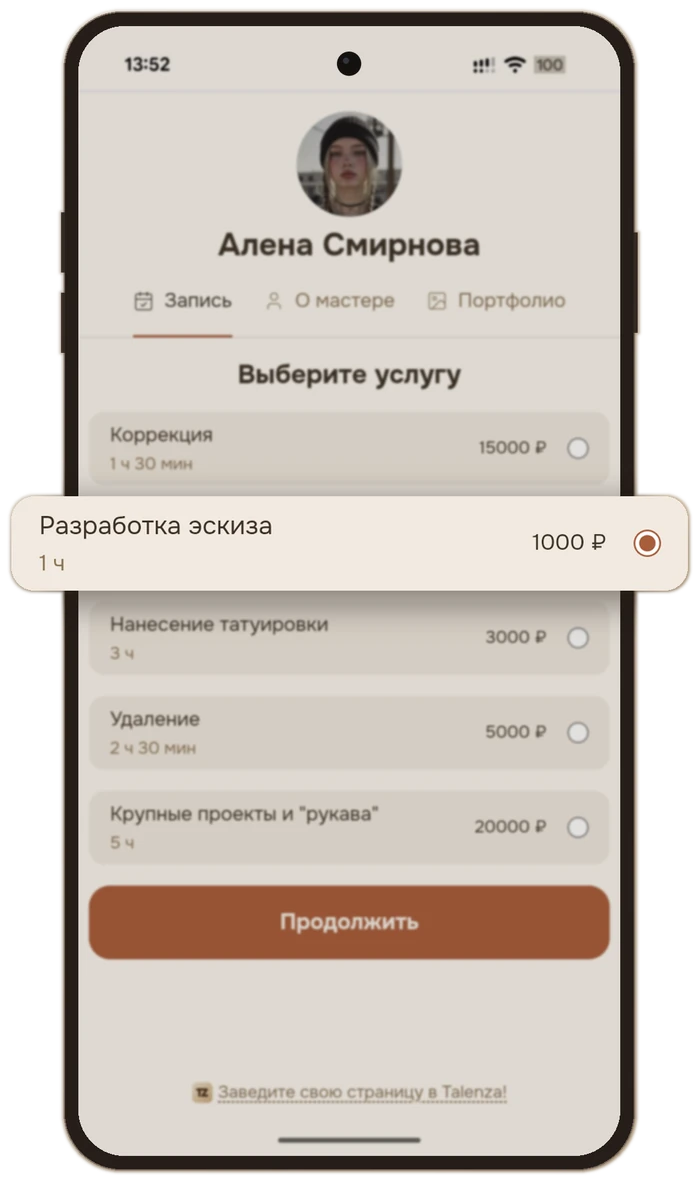
Clients book themselves, 24/7
A personal booking link — the client picks a service and time and confirms the visit themselves, no calls or DMs.
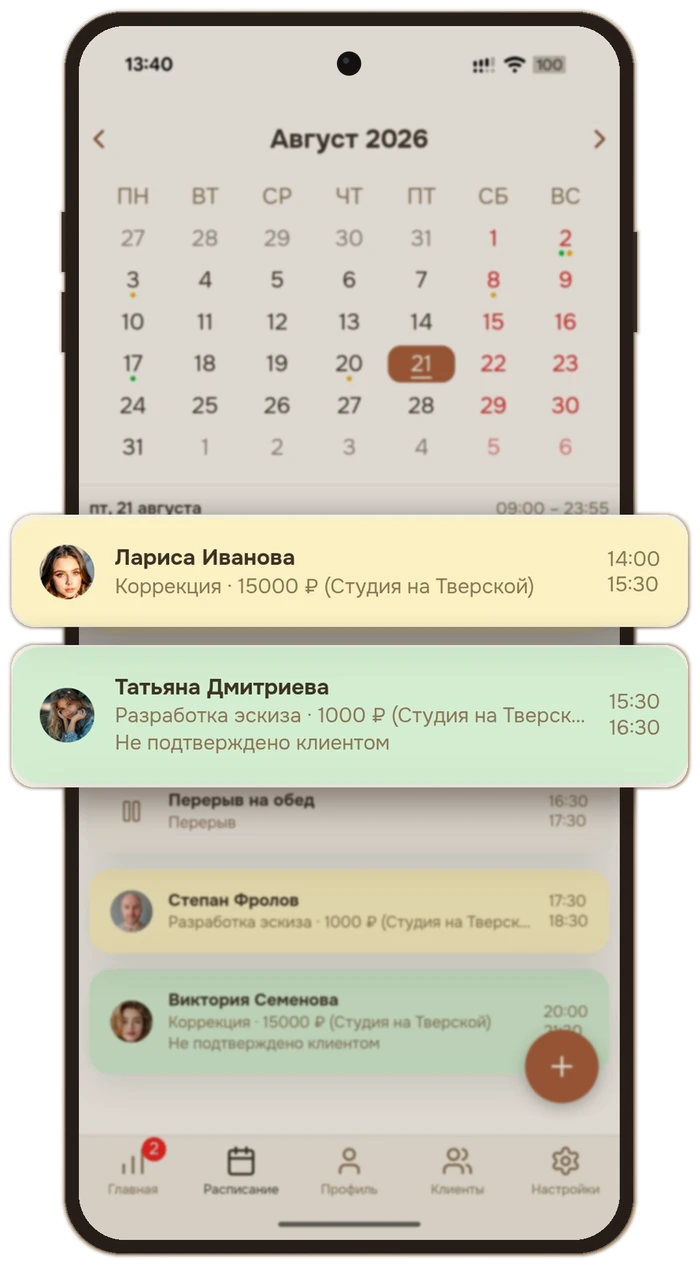
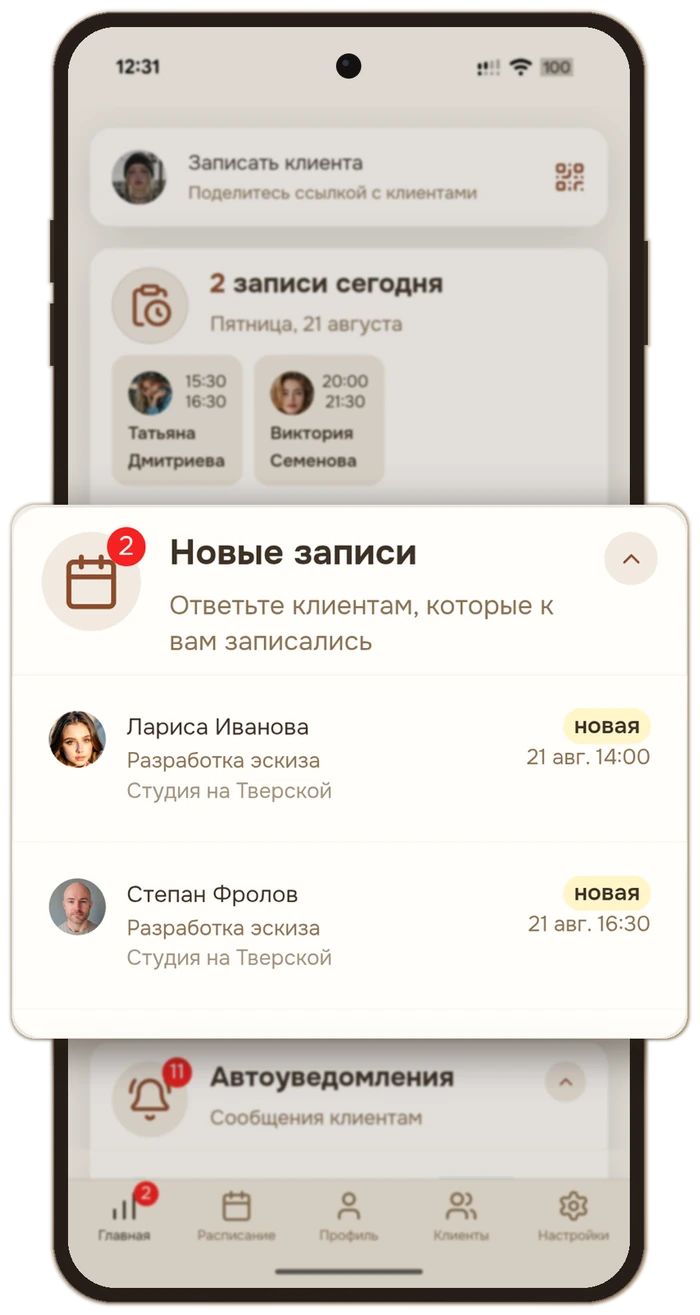
A schedule that fills itself in
A new booking lands straight in the day view — no manual slot juggling, no double-booking.
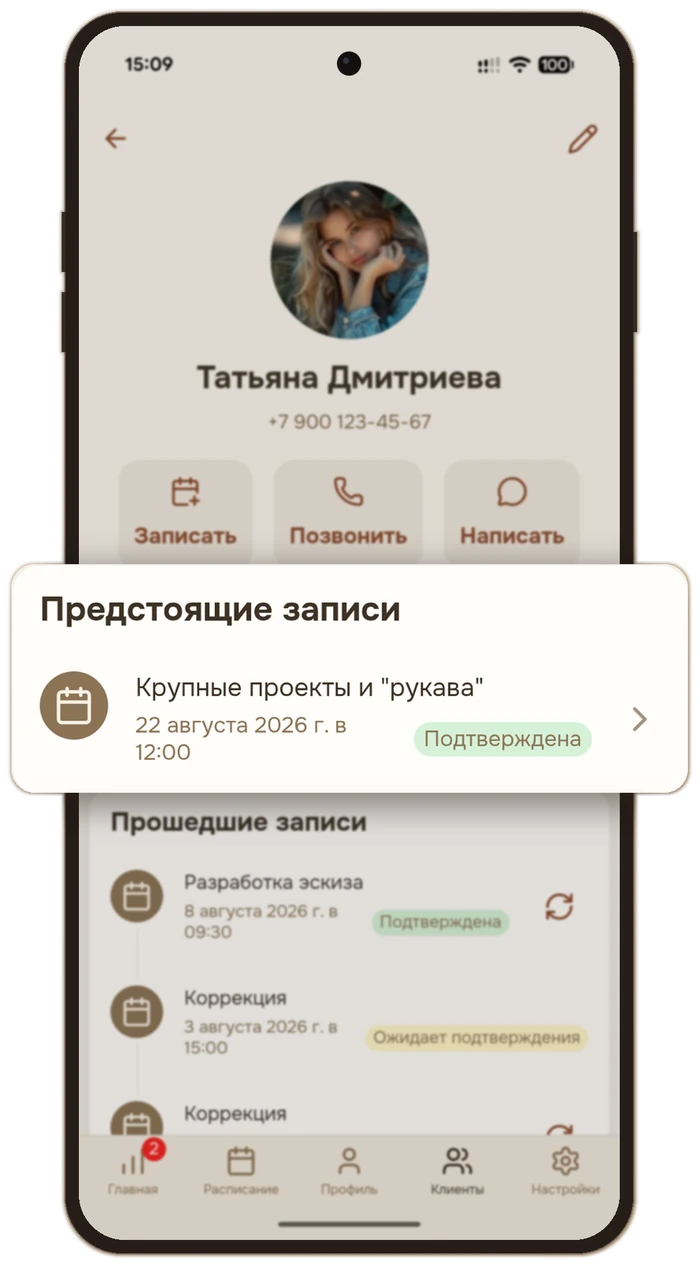
A client's whole history in one card
Past visits, the next booking, a phone number to call — no need to dig through chats to remember the last visit.
How to start
Three simple steps — and you are online
-
Create a profile
Add your specialization, prices, and working hours. Takes 5 minutes.
-
Share your link
Send clients your personal booking page — via messenger, socials, or QR.
-
Accept bookings
Clients book themselves. You get reminders and confirmations.
Get the app
Your schedule, bookings, and notifications — always at hand on your phone
Android
Get it on RuStore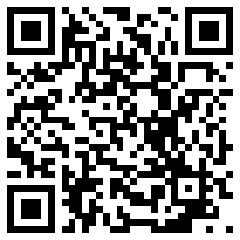
or point your phone camera at the QR code
Don't have RuStore on your phone? Install it from rustore.ru — it's free and takes a couple of minutes.
iPhone
Open talenza-app.ru- Open talenza-app.ru in Safari using the button above.
- Tap "Share".
- Choose "Add to Home Screen" and tap Add.
You opened this page on a computer — open it on your phone to install the app.
Frequently asked
If you don't see the answer — drop us a line
-
Is it free?
The basic plan is free forever. Paid plans will appear later for high-volume pros.
-
Do I need to install an app?
No. Talenza runs in the browser on any device. There's also an Android app, available on RuStore; for iPhone — PWA ("Add to Home Screen").
-
How do clients see my schedule?
You get a personal link you can send in any messenger or add to your social profiles.
-
What if I already keep records in a notebook?
Add clients by hand or from your phone contacts in a couple of taps. If you're moving from DIKIDI or YCLIENTS, clients can be imported from their export.
-
Do I get notifications about new bookings?
Yes — push notifications in the app, messengers, and SMS.
If you are tired of answering "what time works?"
Sign up in 5 minutes and start accepting bookings today.