
What Talenza does for a pro while they're busy with a client
July 31, 2026
Screenshots show the Russian-language interface.
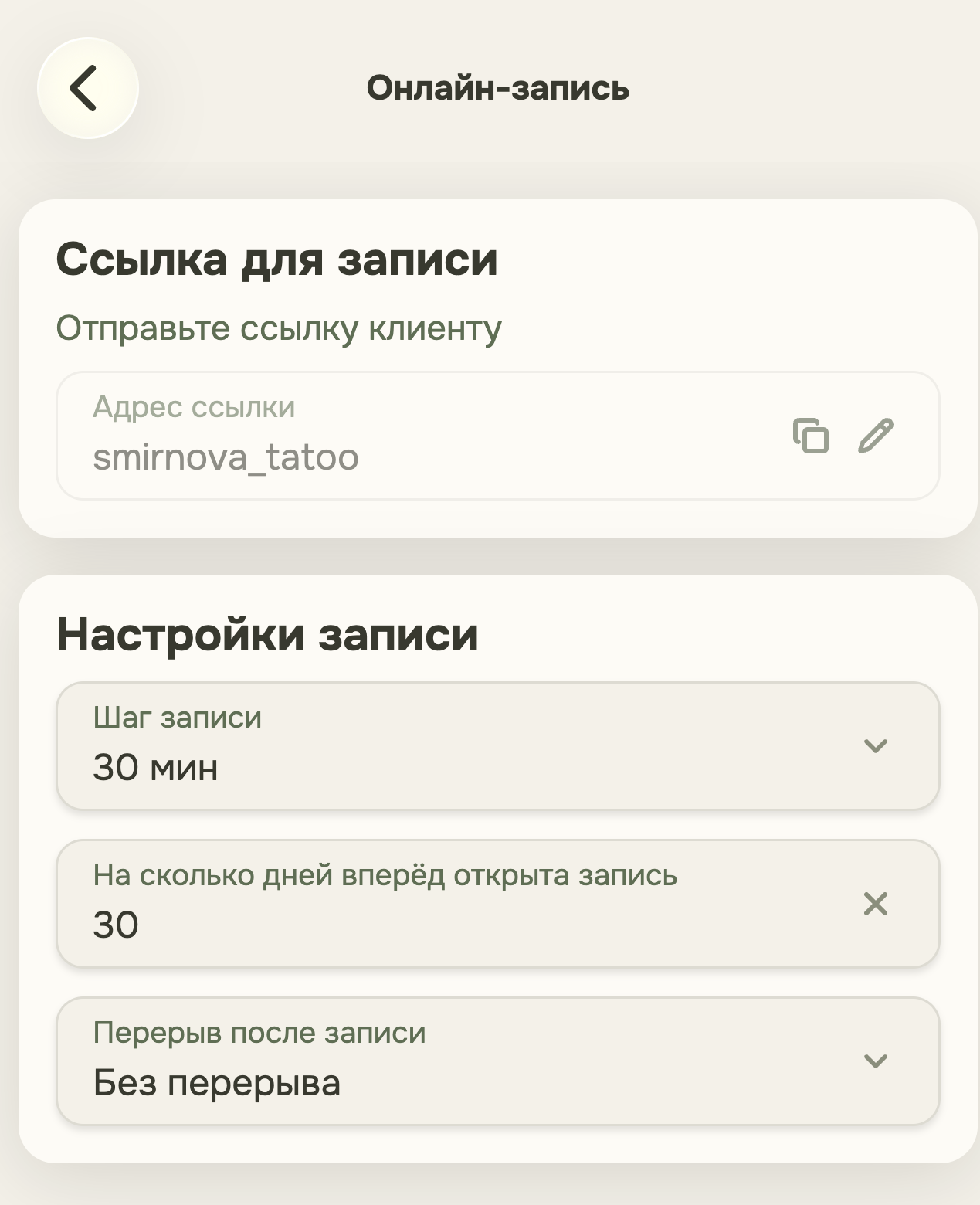
A pro’s evening often goes not to clients but to chatting: “what times do you have?”, “waiting for the SMS code,” “tell me your first and last name again.” That’s work too — it just isn’t paid and leaves no energy for the next day. Three things in Talenza are designed to take that work on themselves.
Your own link instead of “when is convenient for you”
Every pro has a personal booking page with its own address. The client opens it themselves, sees the free slots, and books a time without waiting for the pro to free up and answer “when do you have a window.” You can send the link in any messenger, put it in your social profile bio, or show it as a QR code — the schedule lives on one page instead of being smeared across chats with a dozen different people.
Reminders you don’t have to write every time
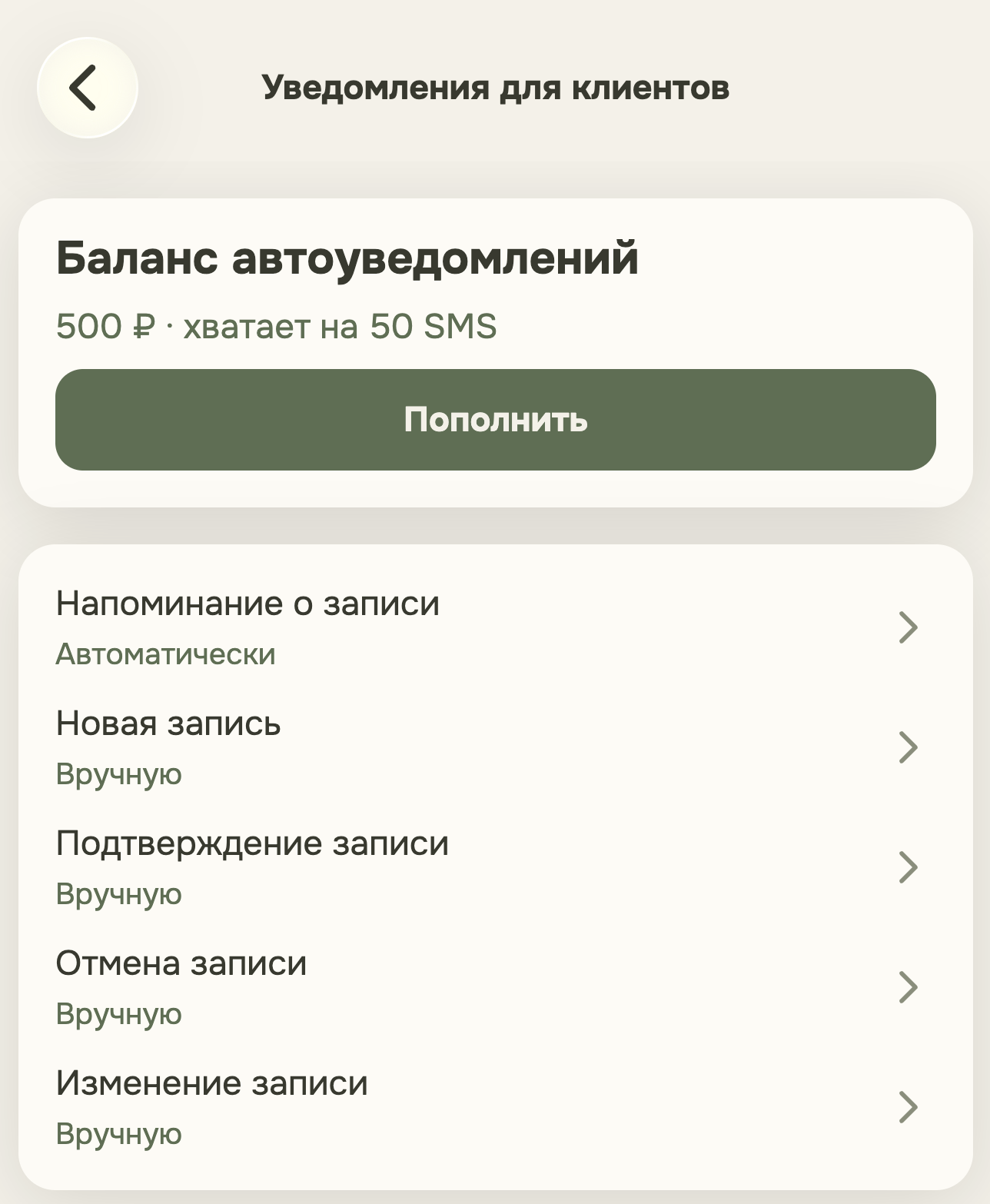
The second source of routine is the daily “don’t forget about tomorrow” mailing. In the notification settings you turn it on once: after that, booking messages go out to clients by themselves, without the pro having to remember by hand who needs a message today. This mechanic has since developed further — we have a separate article on how a reminder turns into a visit confirmation: how reminders and booking confirmation work.
A returning client — with no password and no SMS code
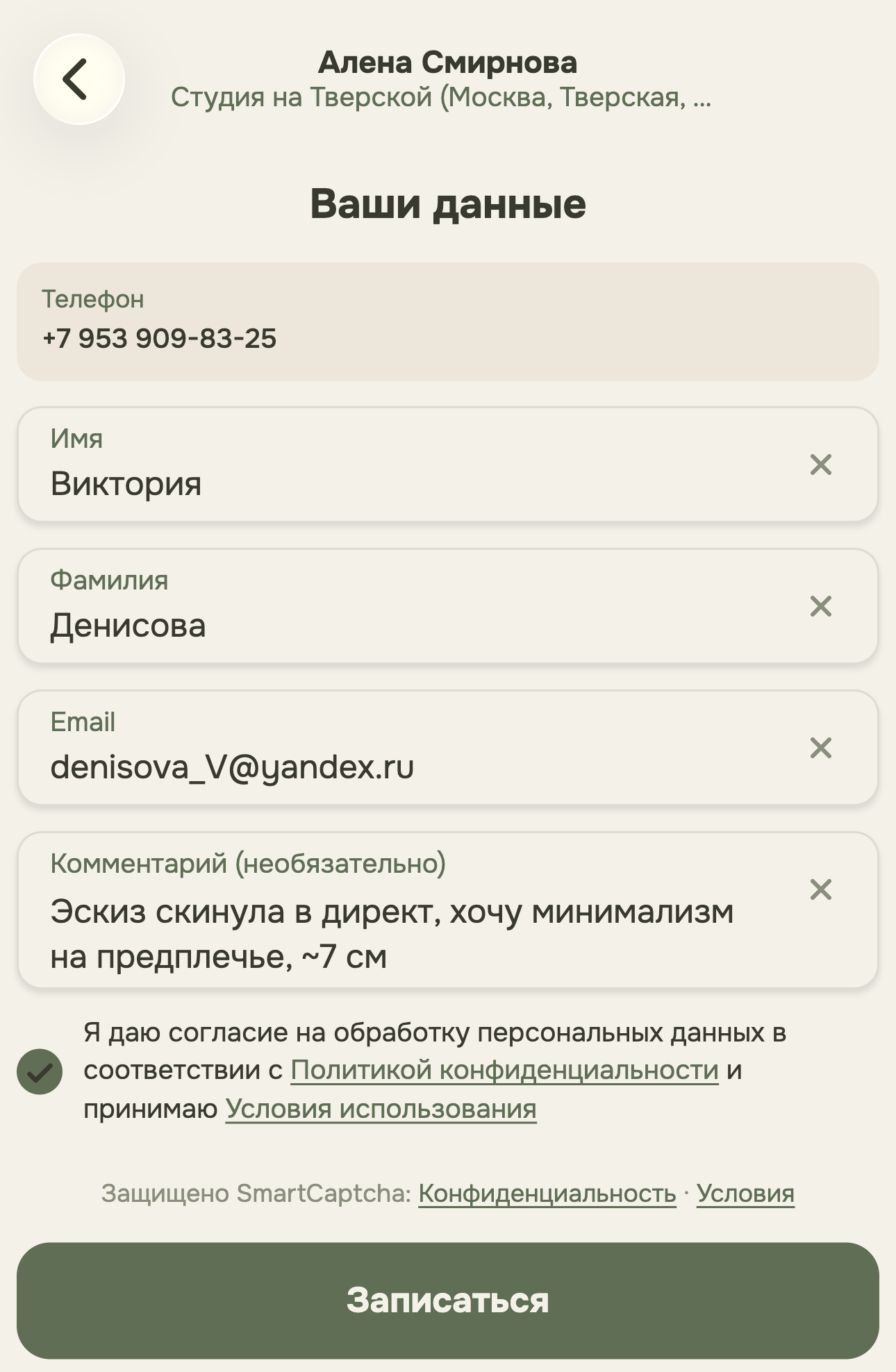
The third thing is noticeable not to the pro but to their client, yet it saves time for both. If a person has booked with this pro before, on a new booking Talenza recognizes them by phone number: the first and last name are filled in automatically, and the confirmation-code step is skipped entirely. There’s no need to spell your name out or wait for an SMS for a visit the person has already made before.
The same idea three times
All three points aren’t a scattered set of features but one and the same principle applied to different points of the process: where the pro’s action or an extra step for the client used to be required, the system tries to take that work on itself. A link instead of chat, a reminder instead of memory, recognition instead of re-entering — three places in the same booking flow where routine shouldn’t touch either side.