
A discount you don't have to remember
September 3, 2026
Screenshots show the Russian-language interface.
A regular client is usually owed a discount every time — simply because they’re a regular. The problem isn’t deciding to give a discount, but not forgetting about it with every new booking: not mixing up the percentage, not charging the full price out of inattention, not putting a person in an awkward position with the question “are you even entitled to a discount?” In Talenza that’s no longer something you have to keep in your head.
A personal discount is attached to the client, not to a booking
A personal discount is created once in the “Services and discounts” settings and attached to a specific contact in the pro’s address book. From then on the discount is applied to any of their new bookings automatically — regardless of who creates it. If the pro books a client from their dashboard, the discount is applied automatically, without a separate choice. If the same client books themselves through the public link, the system recognizes them by phone number and applies the same discount in exactly the same way, without the pro being involved at that moment at all.
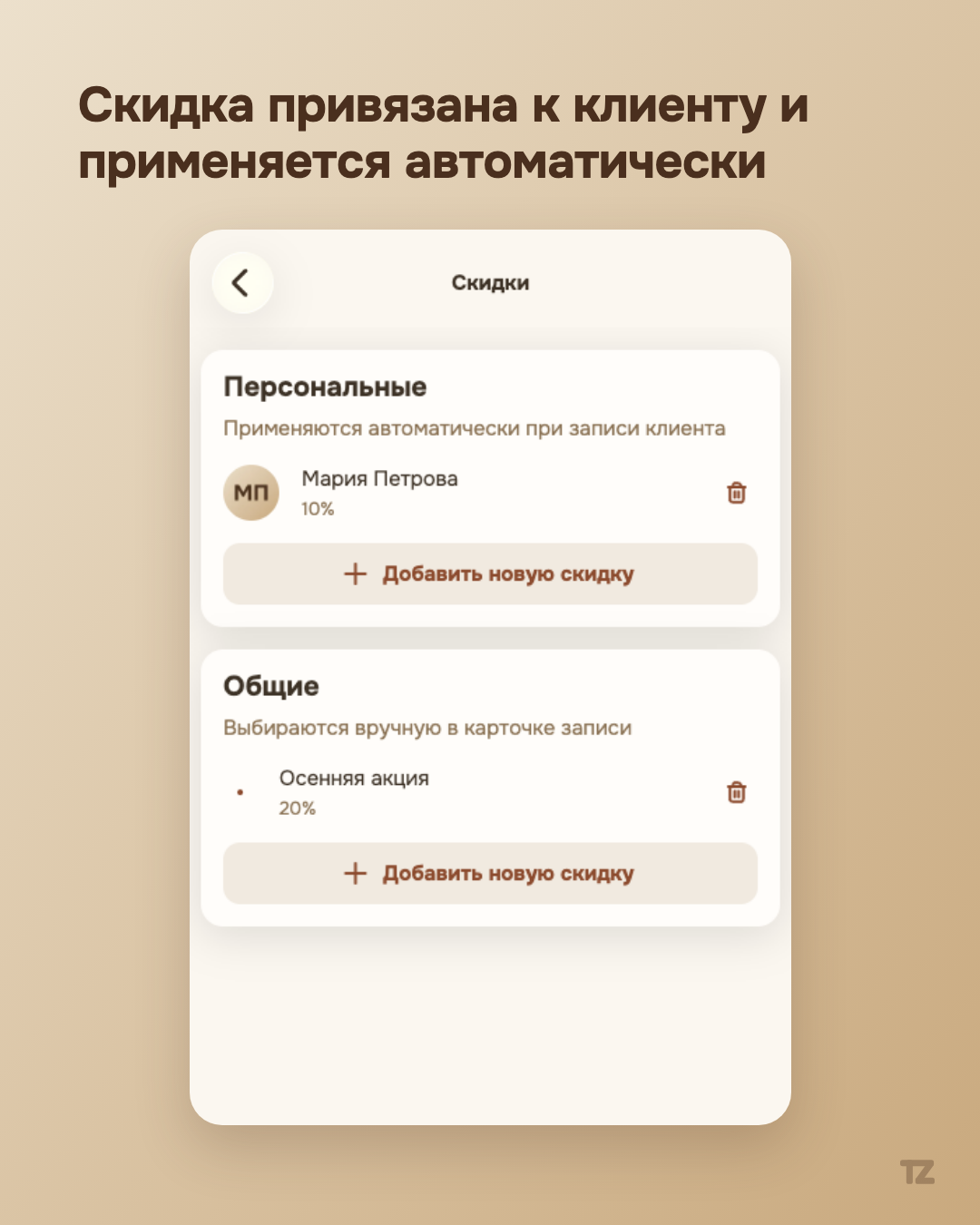
Technically it’s simple: the discount is looked up by the pair “pro plus contact’s phone” at the moment the booking is created, and if it’s found, it’s applied to the price of the services. The pro doesn’t have to specifically choose anything on each new booking for this client — the decision is made once, when the discount is created, rather than repeated every visit.
A general discount is a promotion you choose by hand
The second kind of discount works differently. A general discount isn’t tied to a specific person — it’s a promotion the pro applies manually in the create or edit booking window, for any client they decided to give it to in the moment. Unlike a personal one, a general discount isn’t announced to the client in advance: it isn’t visible on the public booking page and isn’t offered during online booking — it’s a deliberate tool of the pro, not a public offer.
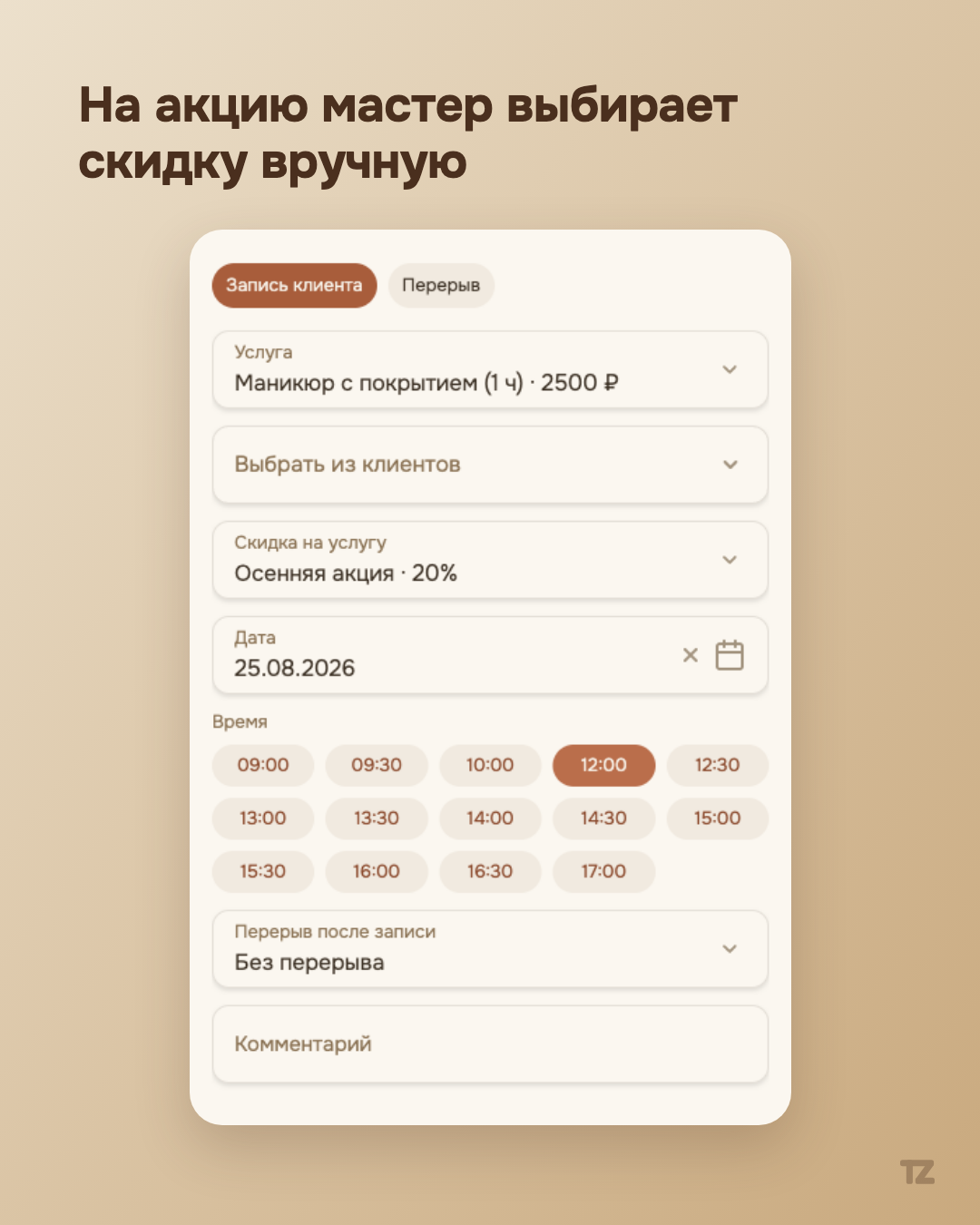
Exactly one discount applies to a single booking. If a client already has a personal discount, and the pro manually chooses a general promotion for them, what was chosen by hand takes effect — discounts don’t stack.
A discount can be limited in time
Sometimes a discount shouldn’t last forever — the promotion is temporary, or it should work only once. Before, that too would have been left for you to keep in your head: not forgetting to turn the discount off by hand after the needed date, not forgetting that the client has already used it. Now both conditions are set once, when the discount is created, and after that the system keeps track of them itself.
You can give a discount an optional expiration date — the date after which it stops being offered and applied, both to the pro and to the client. Nothing needs to be turned off specially: the discount simply disappears from the options by itself, and in the settings list it stays visible with an “Expired” mark — in case you need to check when and what ended.
A discount can also be single-use — it’s used up immediately after the first time it’s applied to a booking. It won’t be offered again to the same client (or the next one, if the discount is general) until the main thing happens: if a booking with such a discount is canceled, the discount returns to the available ones by itself — nothing needs to be fixed by hand.
The client sees the discount where it matters
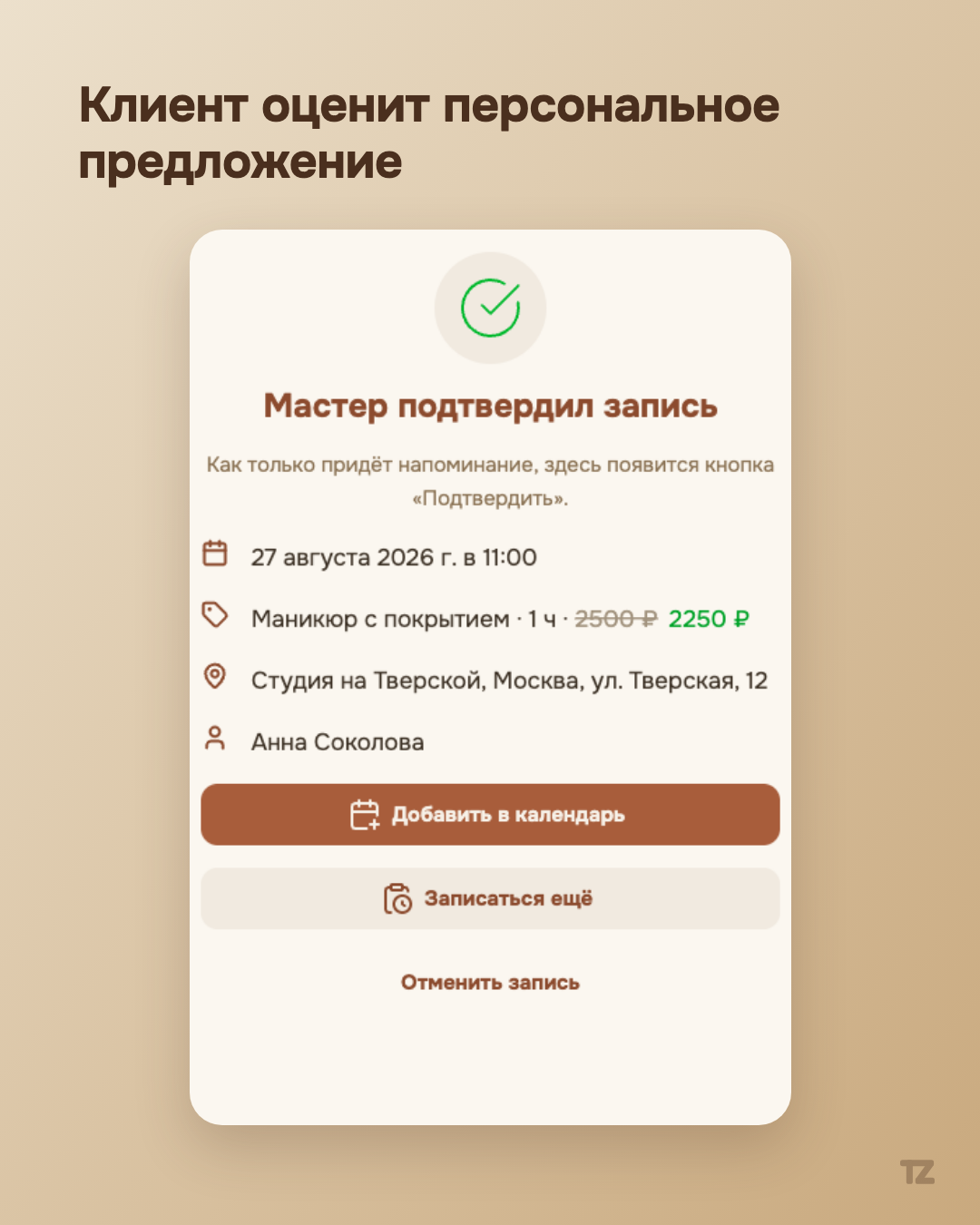
The discount is shown to the client on two screens: on their booking status page (the short link from an SMS or Telegram) and on the booking card in the Telegram bot, if the client has connected it. In both cases the old price is visible, with the discounted price next to it — with no additional explanation of who gave it and why (everything is clear and already pleasant). In other places — the pro’s home page, the client card, the booking details sheet — only the pro sees the discount: it’s their working tool, not something to explain to the client at every meeting.
Summary
The point of this feature isn’t to give a pro the ability to calculate discounts — a percentage of a price can be worked out in your head. The point is not to turn that simple arithmetic into one more item to hold in memory with every new booking of a regular client. The decision is made once, and works — on every following booking — by itself.