
Less typing
August 24, 2026
Screenshots show the Russian-language interface.
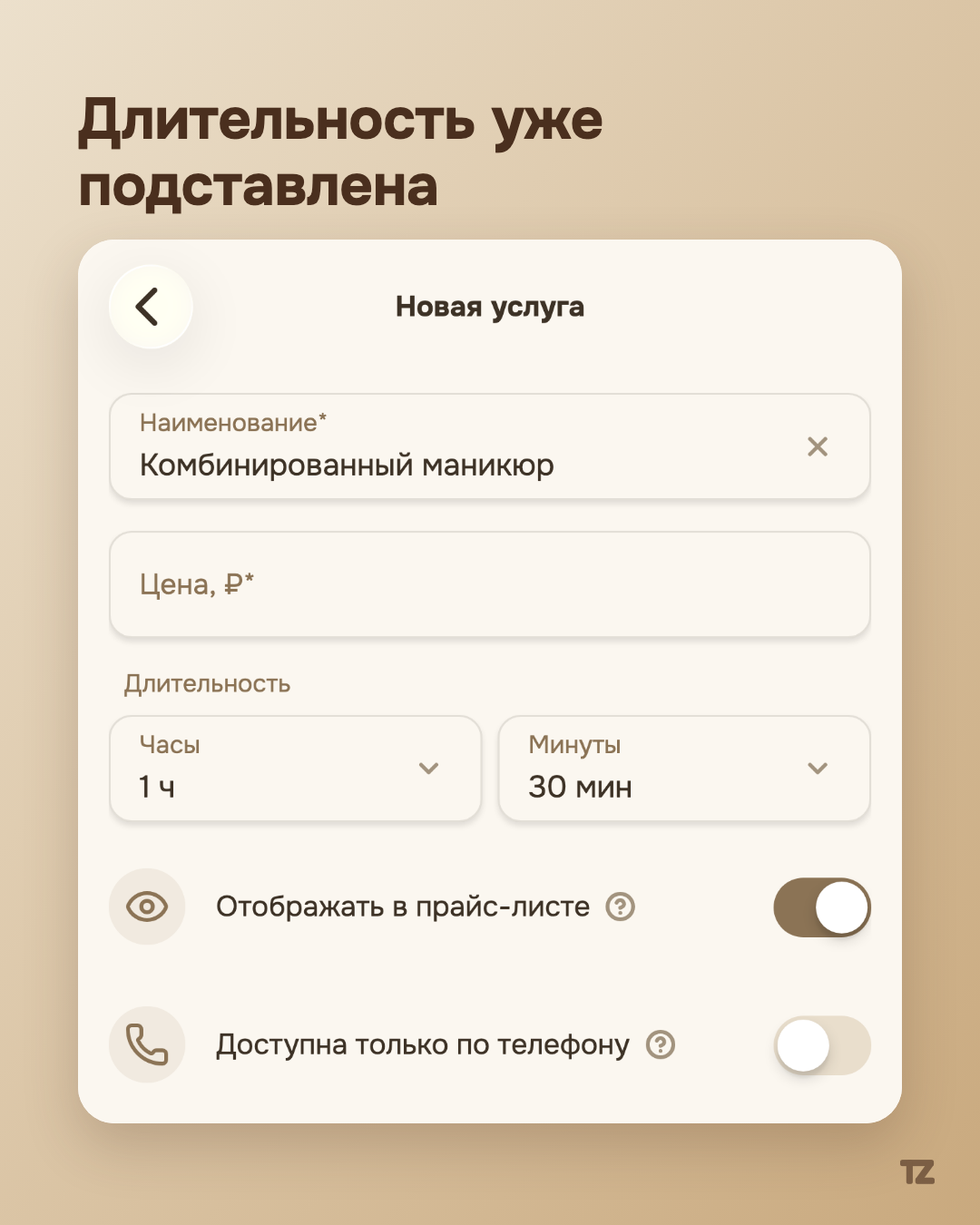
Adding a new service by hand means typing the name and then estimating by eye how long it usually takes. Talenza removes that step for standard beauty services.
The catalog fills in the name and duration for the pro
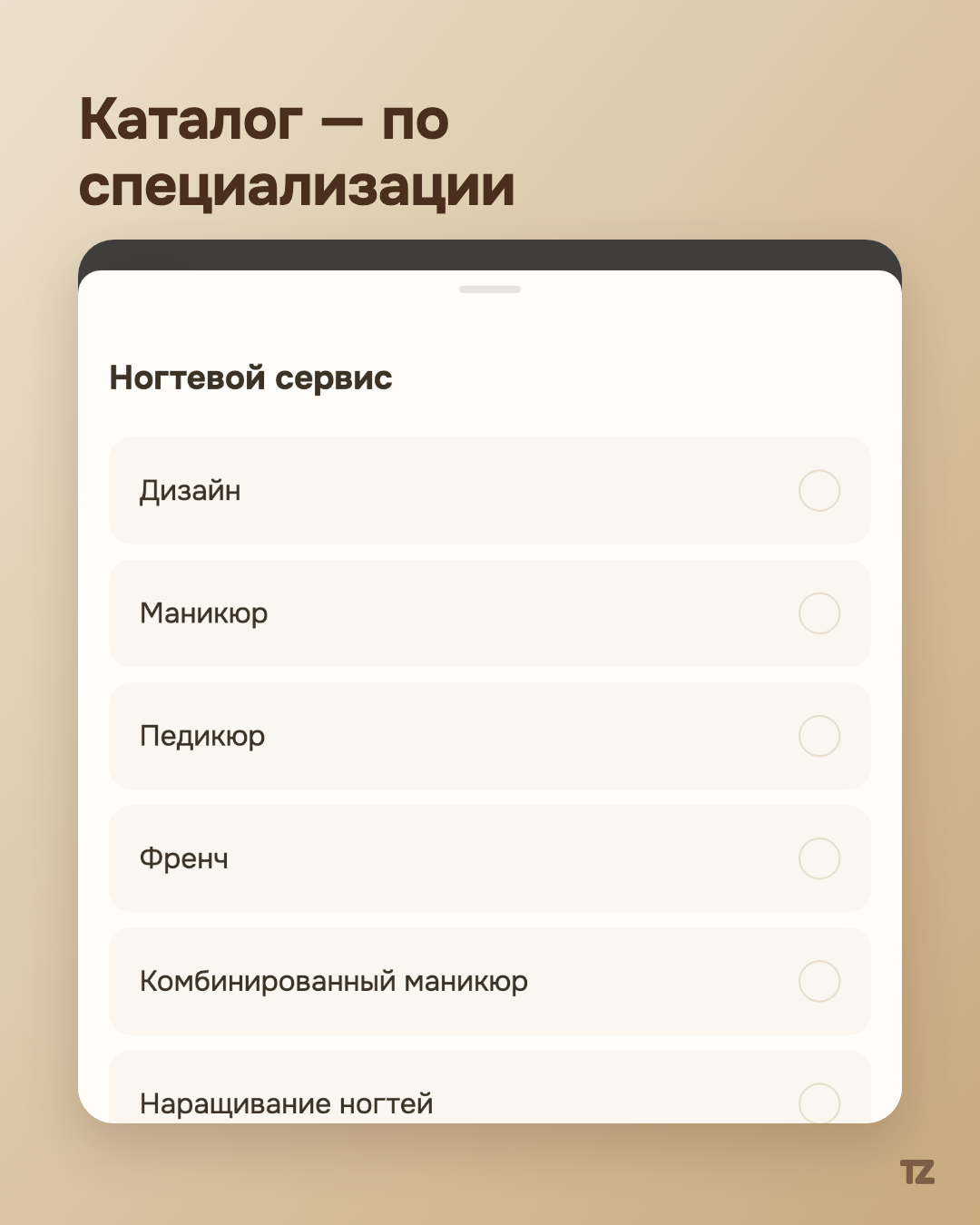
When you choose a specialization in the settings, a list of popular catalog services grouped by that specialization appears. You don’t type a name from scratch — just pick the item you need from a familiar list: manicure, pedicure, extensions, and other standard services for your specialization.
Tap once — and the form is already filled in
Tap “Combined manicure” — and both the name and the recommended duration are already in the form before you’ve typed anything. All that’s left is the price: the one field the catalog can’t fill in for you, because what a service costs is the pro’s own decision, not a market standard.
The durations aren’t made up
The recommended durations in the catalog are collected from the beauty services market rather than picked arbitrarily. That doesn’t mean you have to follow them to the letter — the filled-in value can be changed to your own, and the catalog only offers a sensible starting point instead of an empty field.
Manual entry is still there
The catalog covers the standard cases but doesn’t claim to cover them all. For a non-standard service, or for a pro who doesn’t work in beauty at all, typing the name and duration by hand is still right there — the same way it worked before, except that it’s now one of two paths rather than the only one.