
One search instead of a pile of filters
August 18, 2026
Screenshots show the Russian-language interface.
Finding a client or a service in many apps means first opening a separate filter panel and figuring out which button does what, and only then getting a list. In Talenza, all you need is one field: type — and see the result right away.
Search in “Services” — by name, price, or workplace
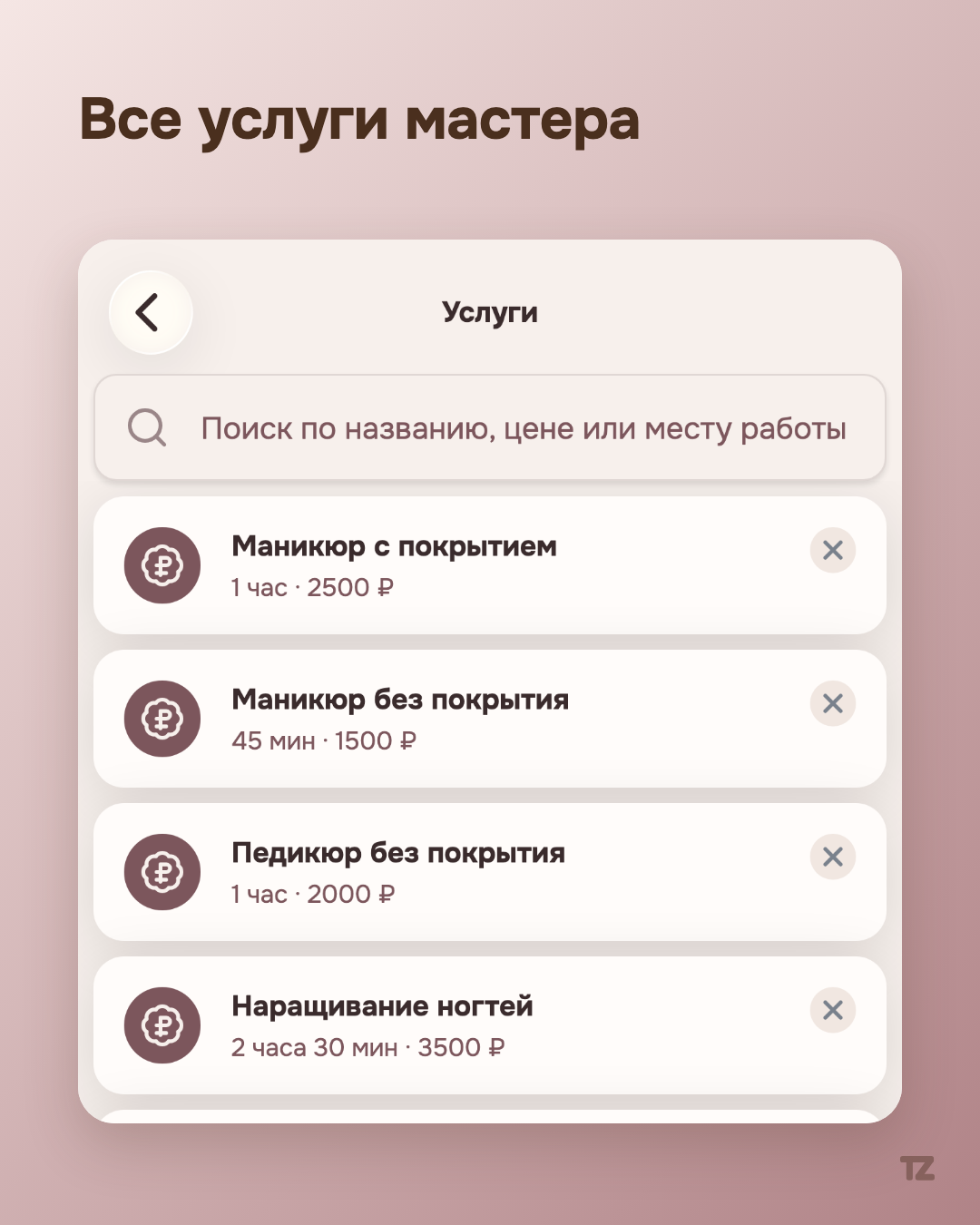
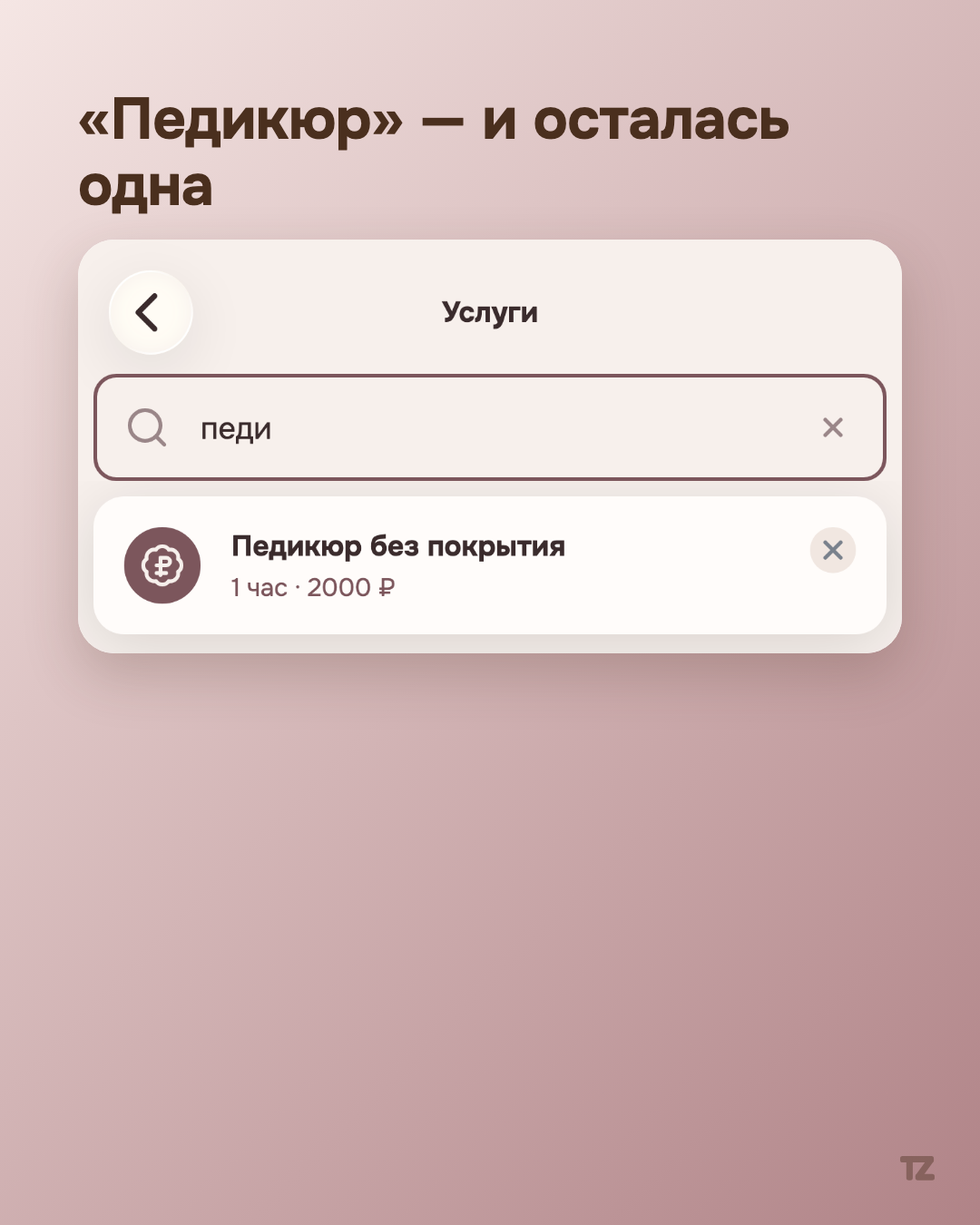
On a pro’s services page, search looks for a match across three fields at once: the name, the rounded price in rubles, and the workplace the service is tied to. For a pro with several services, this replaces scrolling through the entire list — type “pedicure,” and out of five items only one is left, “Pedicure without polish.”
Search in “Clients” — even by the contents of notes
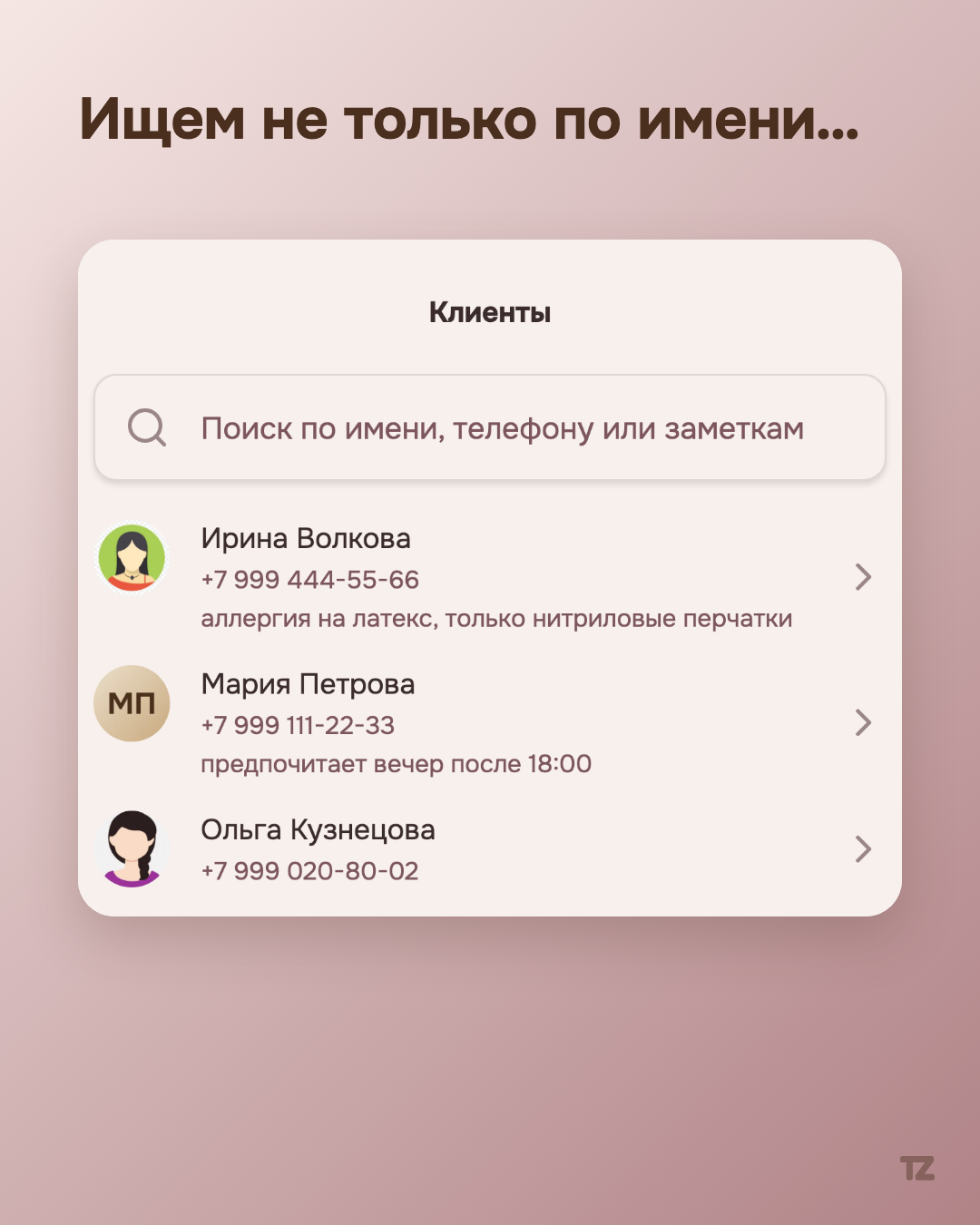
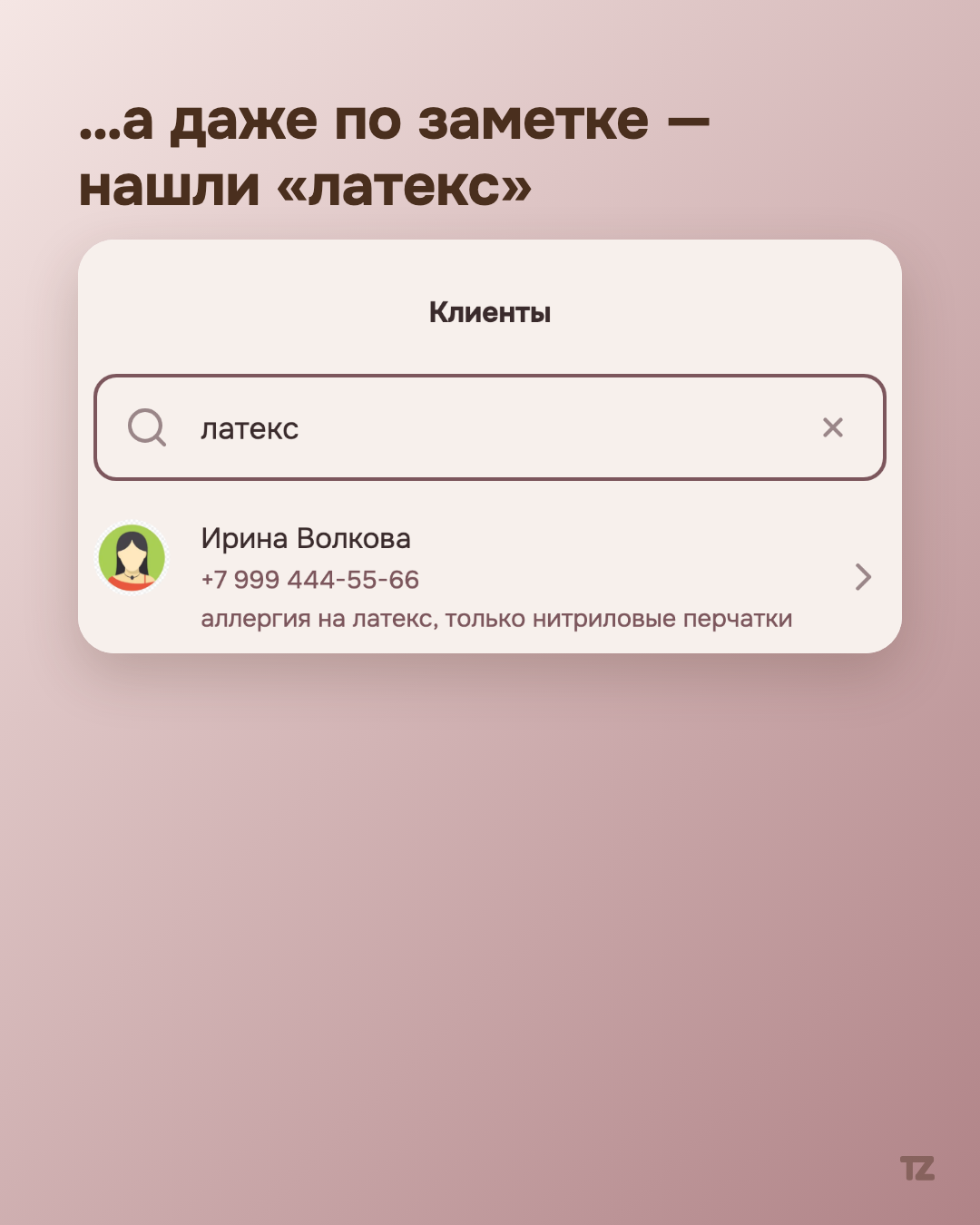
The second search, in the “Clients” section, works in a less obvious way: it looks not only by phone, first name, and last name, but also by the text of the note the pro left on a contact. For example, if a client’s note says “latex allergy, nitrile gloves only,” the query “latex” finds exactly that person — even if the pro doesn’t remember their name at that moment. A note isn’t a service field for show, but part of the same database you can actually search.
Why it works instantly
Both searches filter an already loaded list of data right in the browser or app, without a separate request to the server on every keystroke. The result appears as you type, with no delay for a network request and no separate “Find” button.
One field instead of a panel with buttons
On the small screen of a phone, where most of a pro’s work happens, the difference between “open the filter panel, choose the conditions, apply” and “just type” isn’t trivial — it’s several extra taps on every repeated search. The same pattern works in two different sections of the app — you don’t have to learn to use search a second time.