
Talenza is now on RuStore
September 6, 2026
Screenshots show the Russian-language interface.
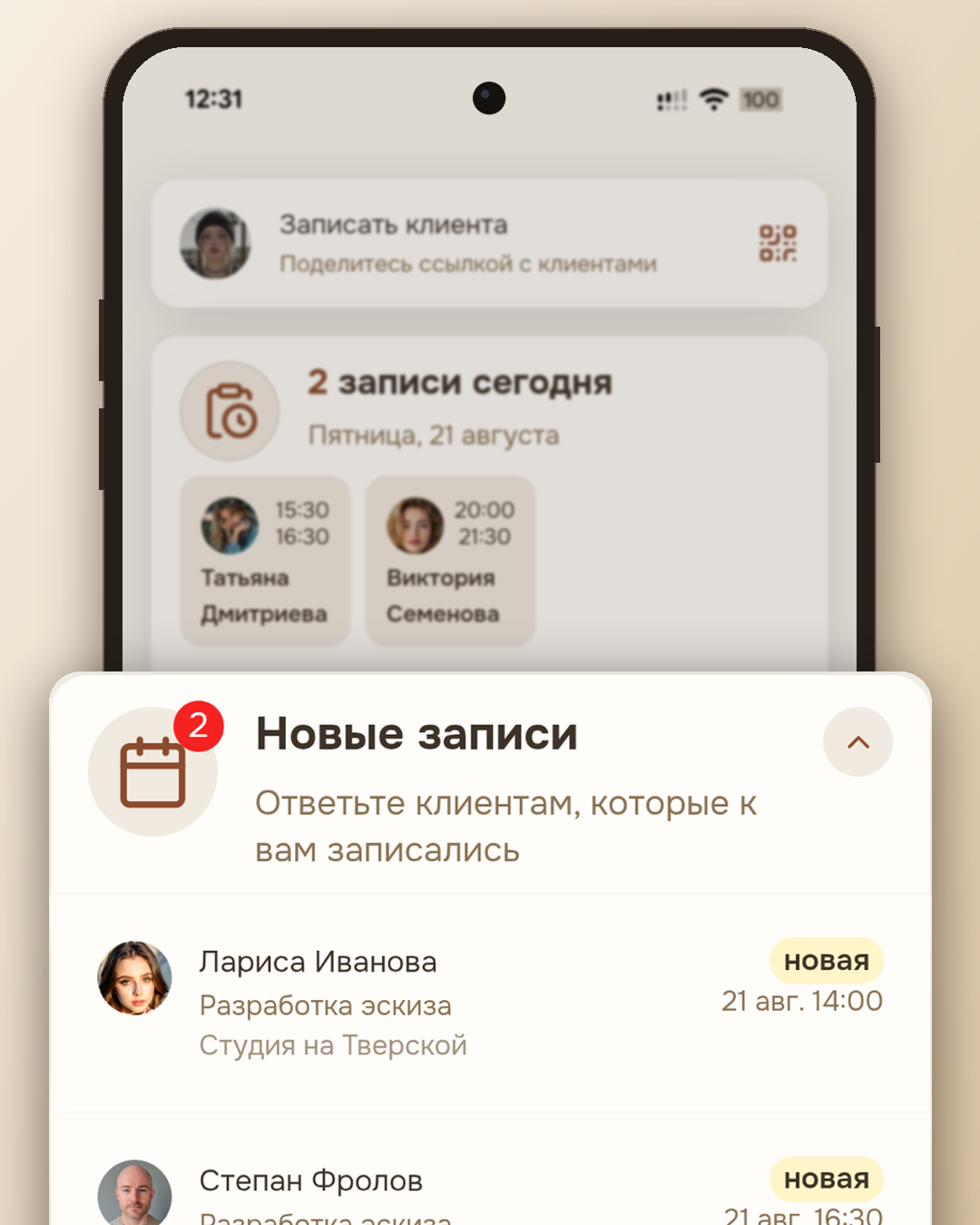
Only yesterday, to install Talenza on Android you had to download a file straight from our website and manually allow installation “from unknown sources” — a step familiar to those who install apps from outside a store, but off-putting to newcomers, especially if a pro is doing it for the first time. Today Talenza is an ordinary app on RuStore, and it installs like any other: one tap on “Install.”
What actually changed
Previously you had to track updates by hand: the app checked against the website and offered to download a new version the same way — as a file. Now RuStore takes that work on: as soon as a new version is released, the store itself offers to update — through a familiar screen the pro has already seen in dozens of other apps.
The second noticeable difference is for those whose phones don’t have Google services (and there are quite a few such phones among the RuStore audience). Before, this didn’t get in the way — Talenza installed and worked even without Google Services. But now the path to installation has become even simpler: RuStore doesn’t require Google services for its work at all, so for owners of such phones there’s nothing special to explain — the store is there, and the app is in it too.
What hasn’t changed
The account is shared with the web version: the schedule, clients, and bookings are stored on one and the same server, regardless of where the pro signs in from — the app or a browser on a computer. If you previously installed Talenza as a file from the website, you don’t have to reinstall it: the app will keep working, it just won’t get any new updates. When you want a fresh version, you can install it over the old one from RuStore — the signature is the same, and your data won’t go anywhere.
For iPhone nothing has changed — there Talenza still opens as a PWA, through “Add to Home Screen” in Safari. We don’t publish on the App Store: we went over the reasons separately, and they haven’t changed.
Why this matters at all
A separate file on the website is a working but temporary path. It demands extra trust from a person (“is this really safe — installing from unknown sources on my phone?”) at exactly the moment when a pro knows nothing about Talenza yet and is judging whether to try it at all. The store removes that question: RuStore checks every app before publishing — on Talenza’s page it literally says so, “checked manually and by antivirus.” That’s RuStore’s own wording about its own moderation, but in essence it answers exactly the question that used to be answered with a long explanation on the landing page.
The app has only just been published, so talking about “user trust” based on one or two ratings would be premature — we’ll leave that topic until there are enough reviews to draw conclusions. For now we can say something else, and it no longer depends on the number of ratings: installation has become one step shorter, and updates one step less noticeable. For a pro who has plenty of other concerns anyway, that’s exactly what you want from an app for booking clients — for it to just work without drawing attention to itself.