
How much time does auto-booking save
October 22, 2026
Screenshots show the Russian-language interface.

“2 hours a day” is a metric you can see on the Talenza landing page. It is not an abstract marketing line but the sum of quite specific small tasks that usually eat into a pro’s day, and that Talenza takes over. We have no measured minute-by-minute breakdown of “this many minutes on that”, and we are not going to invent one, but the savings do have a clear qualitative structure.
An important caveat: the “2 hours” figure is a metric from the home page, not a guarantee for every individual case: some pros already run their manual process well, others less so. The point is not the precision of the number but where it comes from.
You don’t have to explain which times you have free
Without online booking, part of the time goes on messages and calls like “what times do you have this week”, and on checking your own schedule again before every answer. With a public booking page the client sees the free slots on their own and picks a suitable time without the pro stepping in at that particular stage. What this page looks like from the client’s side is covered in “A pro’s online booking page: how to set it up”.
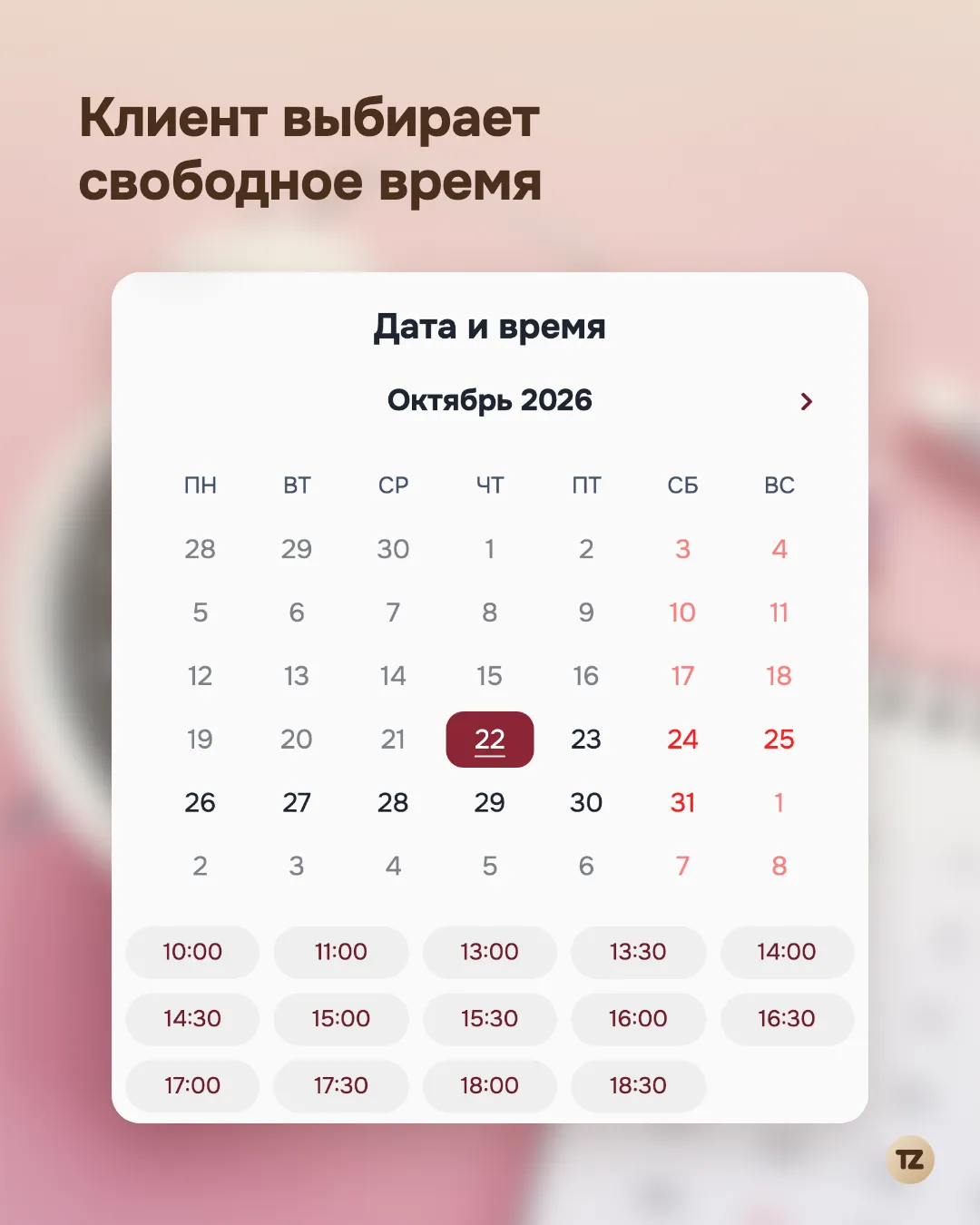
Even a short “what time suits you” exchange rarely stops at one message: it is usually a couple of clarifying questions back and forth, stretched by the other person’s reply time, not an instant exchange.
You don’t have to check the schedule by hand before every booking
The schedule in Talenza is single and always up to date: if a time is already taken by a confirmed appointment, it will not appear as free on the public page, and the pro does not have to hold it in their head or double-check a notebook to see whether a new request overlaps an existing appointment. This removes a separate source of lost time, and of the mistakes that this checking sometimes makes when done by hand.
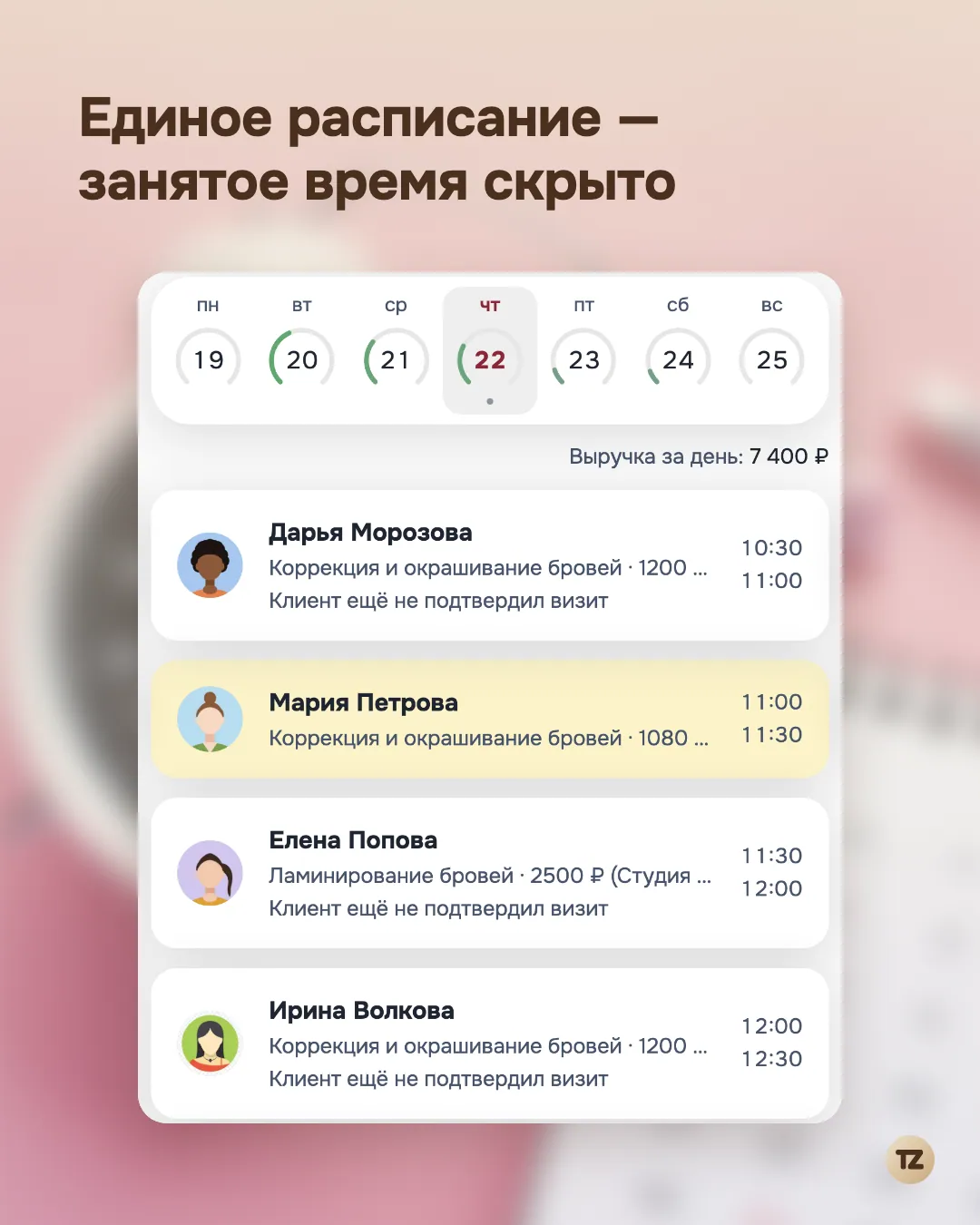
What you save is not only the time of the check itself but also the time to fix the consequences if the check was careless and an overlap ended up in the schedule. One caveat: until an appointment is confirmed, the time stays free by default, since the pro decides whose request to accept; if you want an unconfirmed appointment to hold the time right away, you can turn that on in the online booking settings.
You don’t have to write the reminder by hand
A reminder to the client the day before a visit is routine but necessary work, which done by hand means: remember who to remind, find the contact, write the text, send it. With auto-sending turned on, this happens on its own, without the pro having to be involved at that moment: the message goes out on schedule, not whenever the pro happened to remember between other things. Reminders in Telegram (for clients who have connected the bot) and an email, if the client left an address, are free; SMS is paid and is turned on separately. More about the free channel is in “A reminder that costs nothing”.
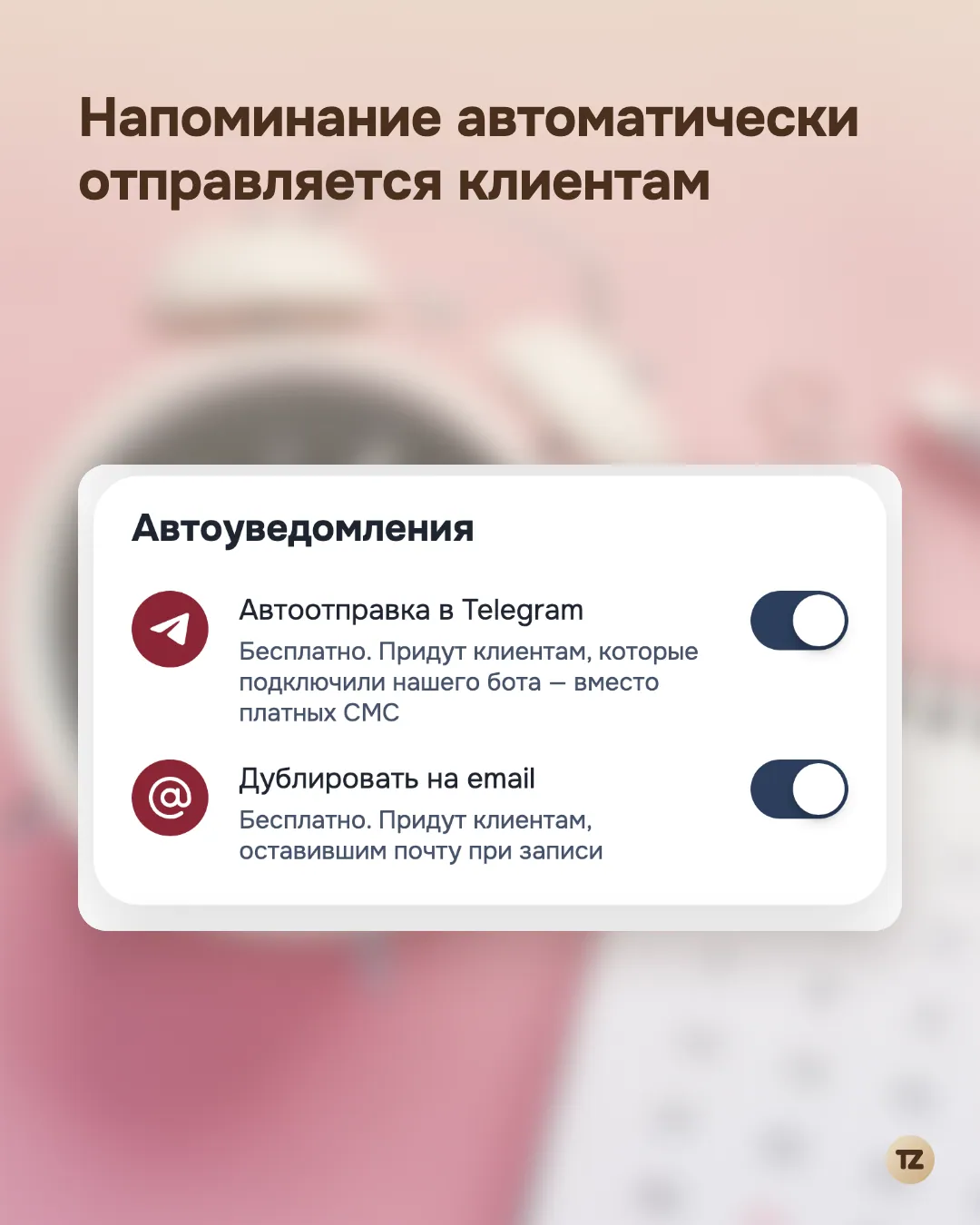
What was actually sent shows up in the feed on the Home screen. What you save here is not so much the time to send one message as the constant background strain of keeping in your head a list of “who needs a reminder today”, which builds up with dozens of appointments a week.
Summary
Each of the three points looks like a small thing on its own: a minute here, a minute there. But it is exactly these small things, repeated with every booking every day, that add up to a noticeable amount of time the pro gets back. We do not present this as a precise engineering formula; it is a qualitative explanation of where the landing-page figure comes from, not an attempt to produce a measurement that does not exist.