
Tuesday at one studio, Saturday at another
September 20, 2026
Screenshots show the Russian-language interface.

Marina is a massage therapist. Three days a week she sees clients at a spa center downtown, and another three she makes house calls in her own neighborhood. These are two completely different working days: at the spa — from ten in the morning to seven in the evening, on house calls — from noon to eight, because travel time is built in. And the service is different too — “Home massage” is longer than usual and costs more, and at the spa it simply doesn’t exist. Before, Marina had to keep both schedules in her head and explain to every new client on which days to find her where. One regular client once mixed up the day and showed up at the spa when she was out on a call.
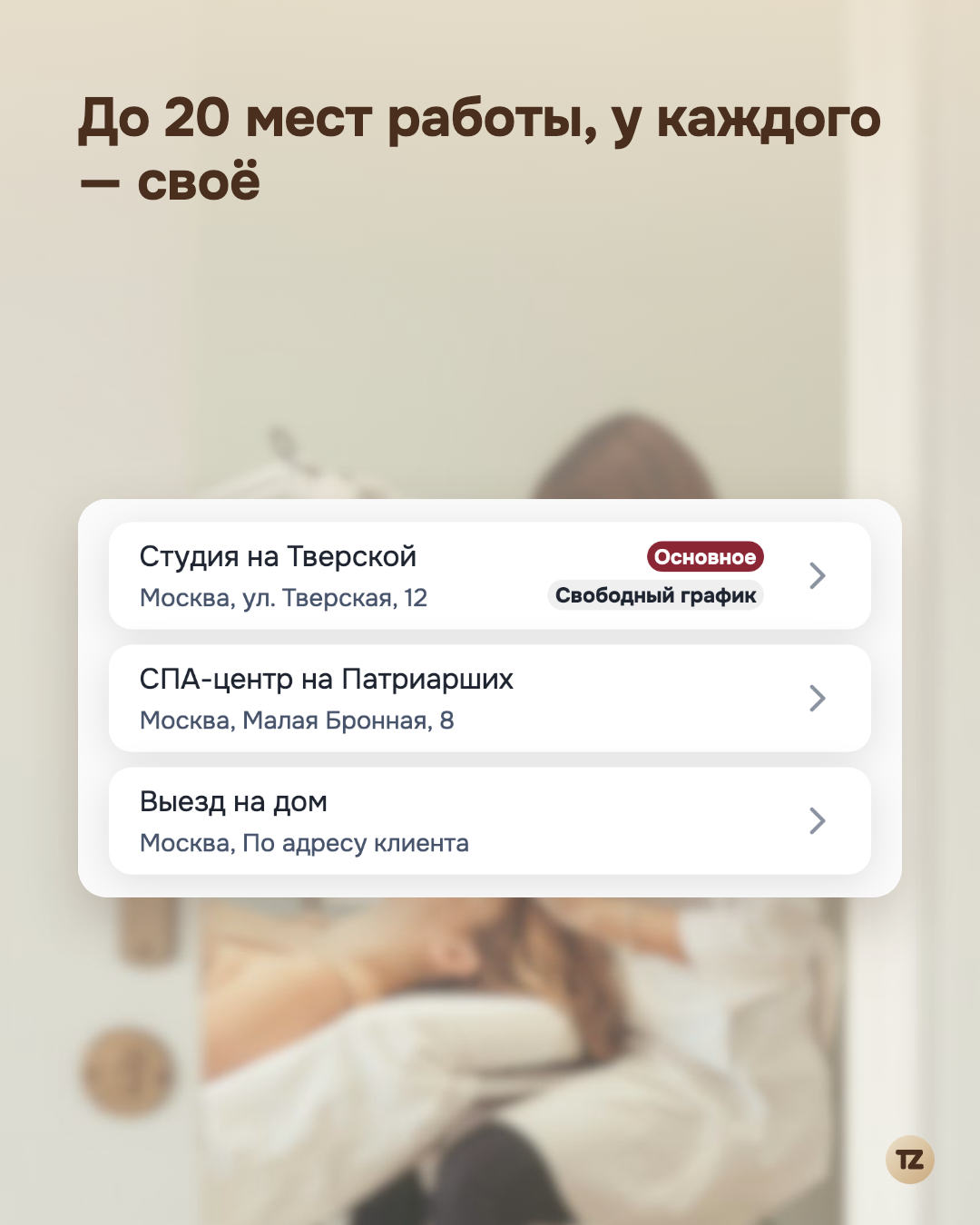
Each place has its own schedule
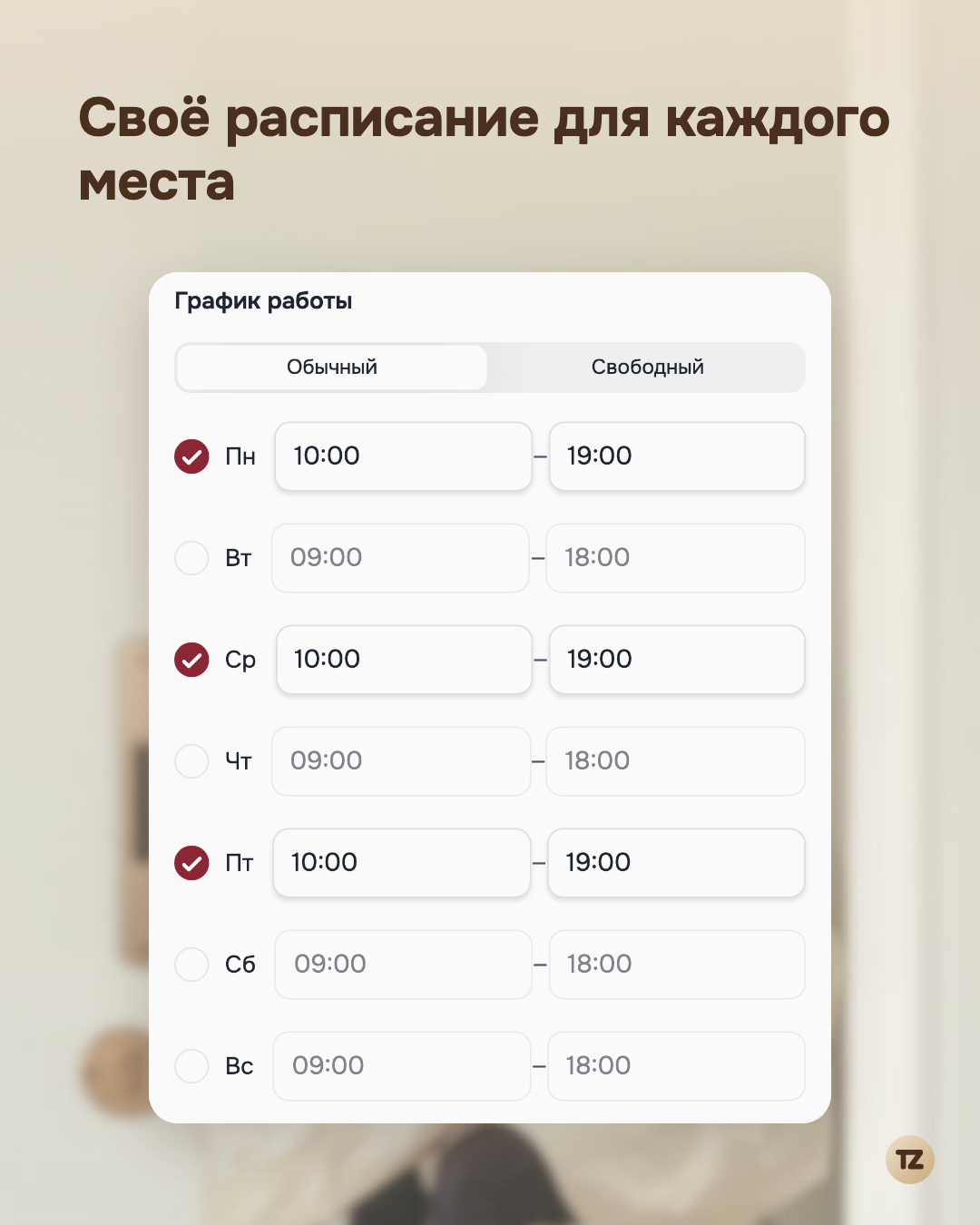
In Talenza, a workplace isn’t just an address in a profile but a separate entry with its own schedule — the very same schedule as for a pro with a single address. A pro can have up to twenty places at once, and each one’s schedule doesn’t depend on the others: its own working days and hours, its own days off. If a place’s schedule is irregular — for example, house calls are planned case by case, with no fixed days of the week — you can turn on free mode for it and specify working intervals by date rather than by day of the week. Switching the mode doesn’t erase the other mode’s data — it just uses it only when that mode is active.
A service can be unavailable everywhere
A service can be tied to a specific workplace — it doesn’t have to be offered at all addresses at once. For Marina, “Home massage” exists only for the house-call address: at the spa such an item simply doesn’t appear in the list of services, where there’s its own regular service. You don’t need to manually hide the extras for each place — the binding does it by itself.
The client picks a place — and sees only what’s there
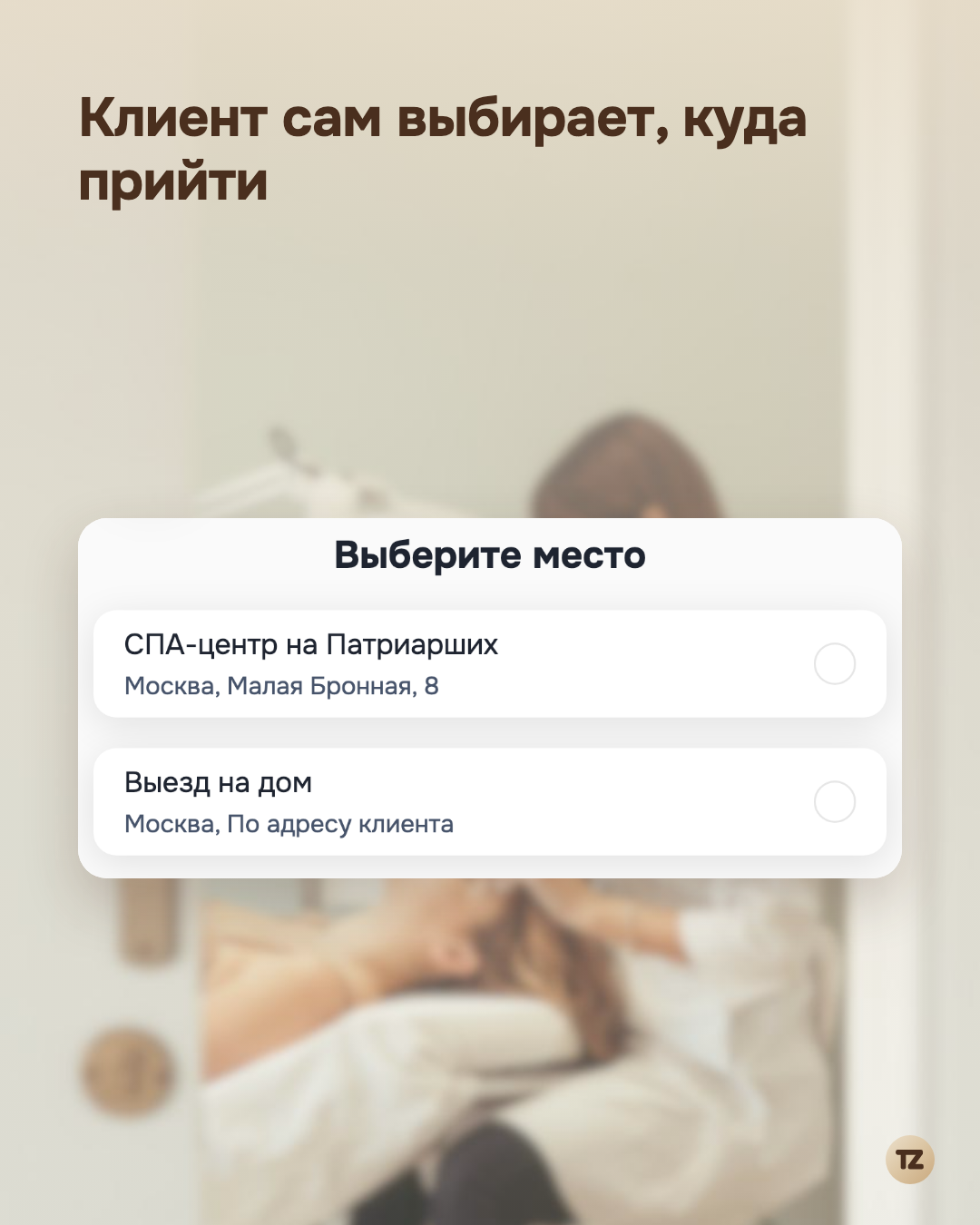
If a pro has several places, a selection block appears on the booking page: each place has its own name, city, and address, and next to it a link to the map, so as not to mix up the way. Having chosen a place, the client sees the free time for it specifically and only the services available there. Marina doesn’t need to explain anything to a new client by hand — the schedule itself shows what is true for that particular day.
What doesn’t change with the number of places
The booking rules — free slots, the buffer between bookings, the working schedule — apply to each place just as if it were the only one. Nothing is simplified or duplicated by separate logic in order to fit a scenario with several addresses: the system simply applies the same rules to each place separately.
For Marina this means one thing: two addresses stopped being a source of confusion and became simply two options the client chooses between on their own.