
A freelance pro never has two identical weeks
September 16, 2026
Screenshots show the Russian-language interface.

A brow artist works from home, no salon. The weeks don’t repeat: this week Tuesday, Thursday, and Saturday are free, and two weeks later it’s completely different days, because part of the time is taken by classes. There is simply no fixed “working Monday.” Most booking apps are built around days of the week — “busy on Tuesdays” — and you’d have to reshuffle that template from scratch every week or mark a day off on almost every day that didn’t match the previous week. In the end there would be more edits than the schedule itself.
You can keep the schedule by dates, not days of the week
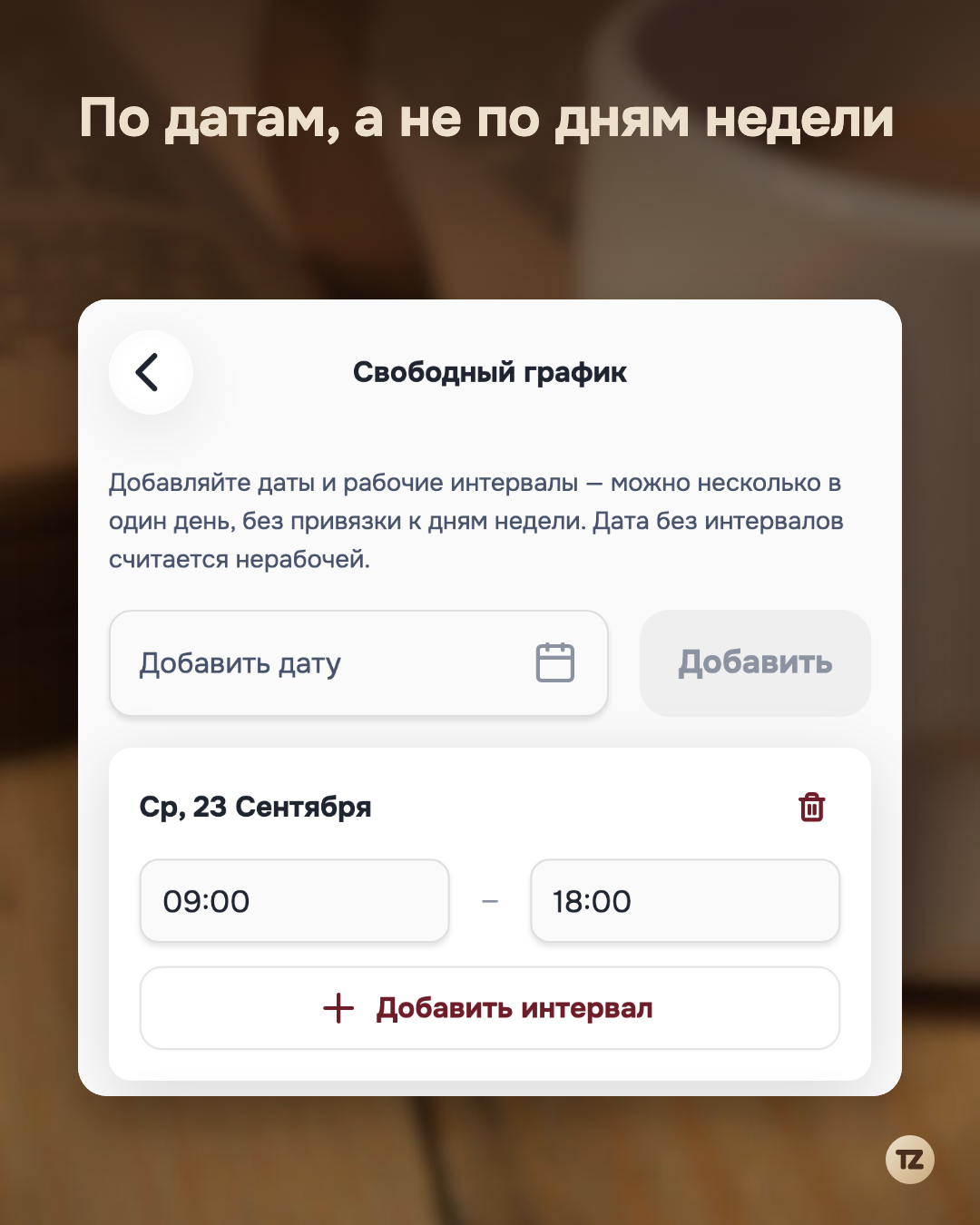
Each workplace in Talenza has a schedule mode switch — regular, by days of the week, and free, by specific dates. It’s switched for each workplace separately and doesn’t erase the other mode’s data: you can switch back to weekly at any moment, and nothing from the free schedule will be lost. In free mode, dates are added simply as your own schedule becomes clear — not “Tuesdays and Thursdays,” but specifically September 23, September 25, September 27, and so on.
One day isn’t necessarily one interval
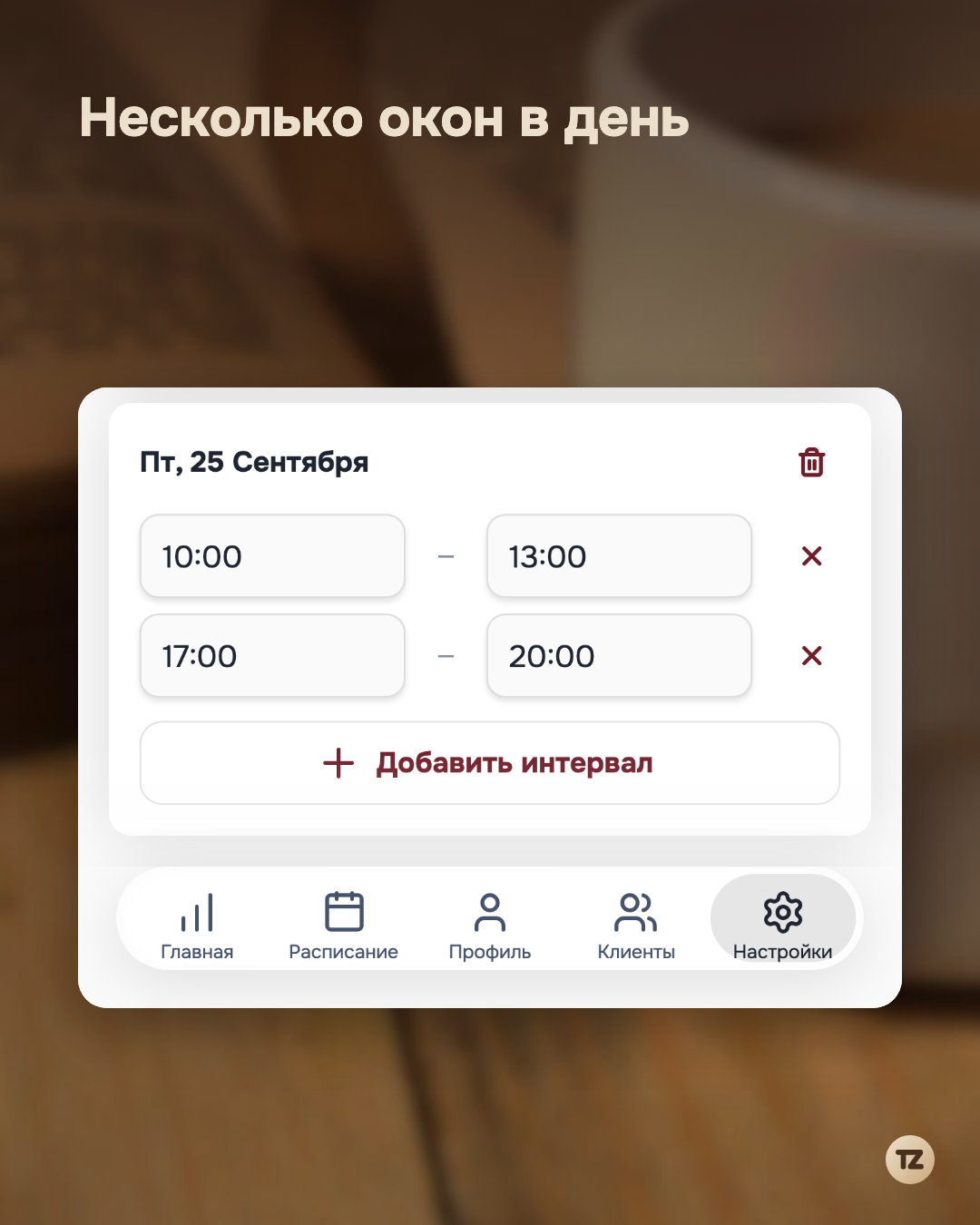
For each date you can specify not one working stretch but several — including with a gap in the middle of the day. If the morning is taken by classes and the second half of the day is free, you add two separate intervals for one date instead of fitting reality into a single “from–to” range.
No date added means a day off
In free mode there is no separate day-off marker: if no interval is added for a date, it’s already considered non-working. This is exactly the opposite principle from the weekly schedule, where a day off is a separate setting you have to set on purpose. In a free schedule you don’t need that — by default, only the date you mark is free.
The client doesn’t notice the difference
The booking page shows free dates and times the same way — regardless of whether the pro keeps a regular weekly schedule or a free one by dates. The client chooses a time from what is actually available on a specific day and doesn’t see any difference in how the schedule is arranged inside. A free schedule stops being a source of confusion in a separate notebook and becomes simply one more way to keep a schedule — one that matches how the week actually works.